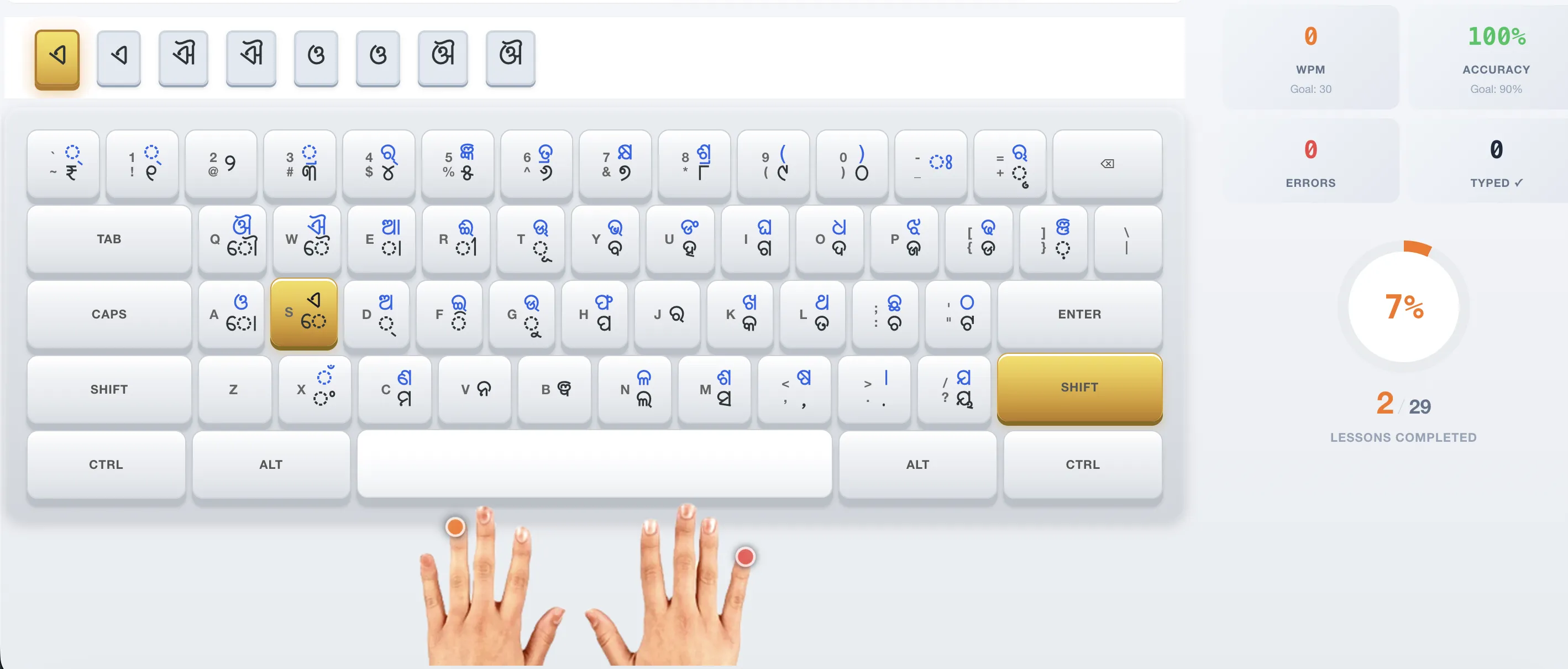
Learn Odia Typing on Computer
Step 1: Install the Odia InScript keyboard layout (see our Windows 10 or Windows 11 guides). Step 2: Take our free typing course starting with Phase 1. Step 3: Practice daily with 15-minute sessions. Step 4: Take the typing speed test to measure WPM. Step 5: Practice exam-specific passages for OSSC/OSSSC preparation.
Frequently Asked Questions
Do I need a special keyboard for Odia typing?
No. The InScript layout works with any standard QWERTY keyboard. Letters are mapped to different keys via software — you do not need Odia keycaps.