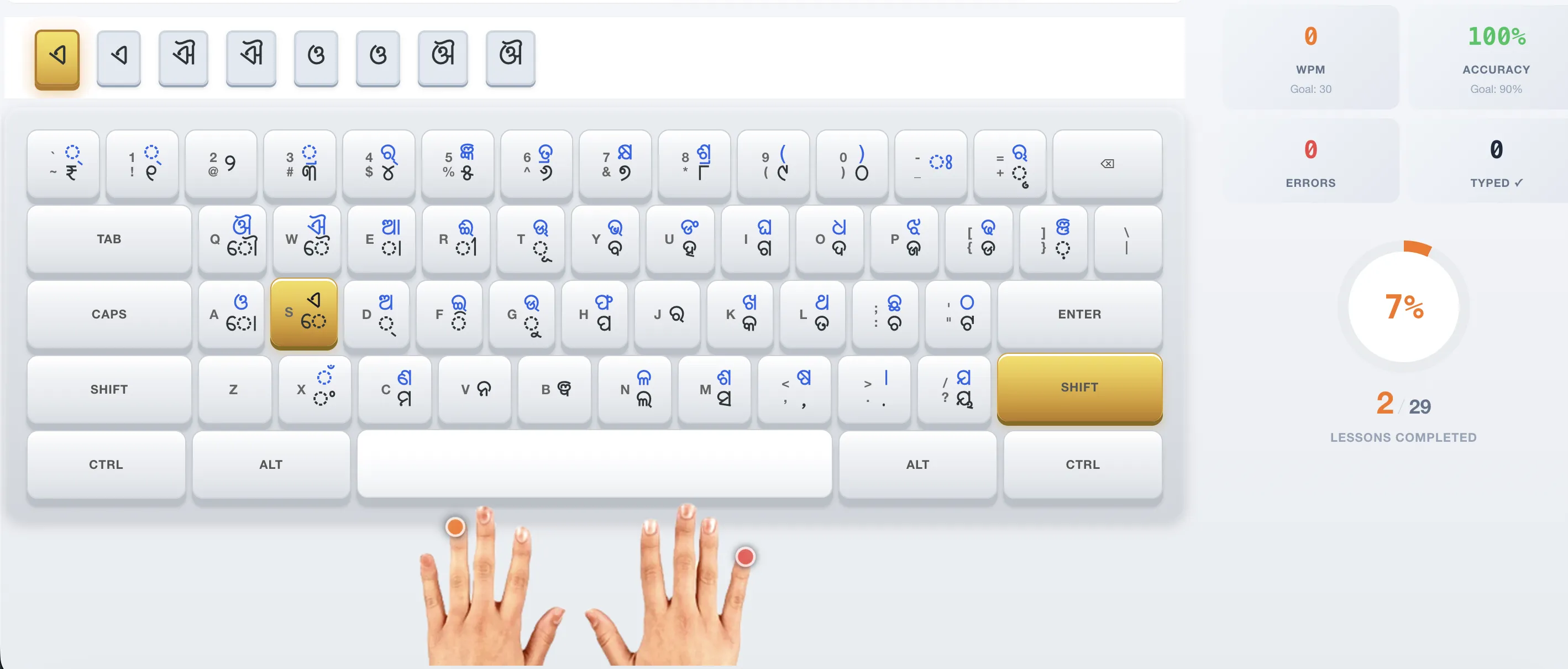
Installing Odia InScript on Windows 11
Open Settings → Time & Language → Language & region. Click "Add a language" and search for "Odia". Select the Odia language pack and install it. Once installed, click the language icon in the taskbar or press Win+Space to switch to Odia. The keyboard will use the InScript layout automatically.
Frequently Asked Questions
Does Windows 11 support Odia InScript natively?
Yes, Windows 11 includes the Odia InScript keyboard layout in the official Odia language pack — no third-party software needed.